Welcome to BuildVR Blog
Welcome to BuildVR Blog
Learn more about what's trending in VR, 3D and AI space.
🥽 How to Watch VR Videos on Meta Quest 3 (Step-by-Step Guide)
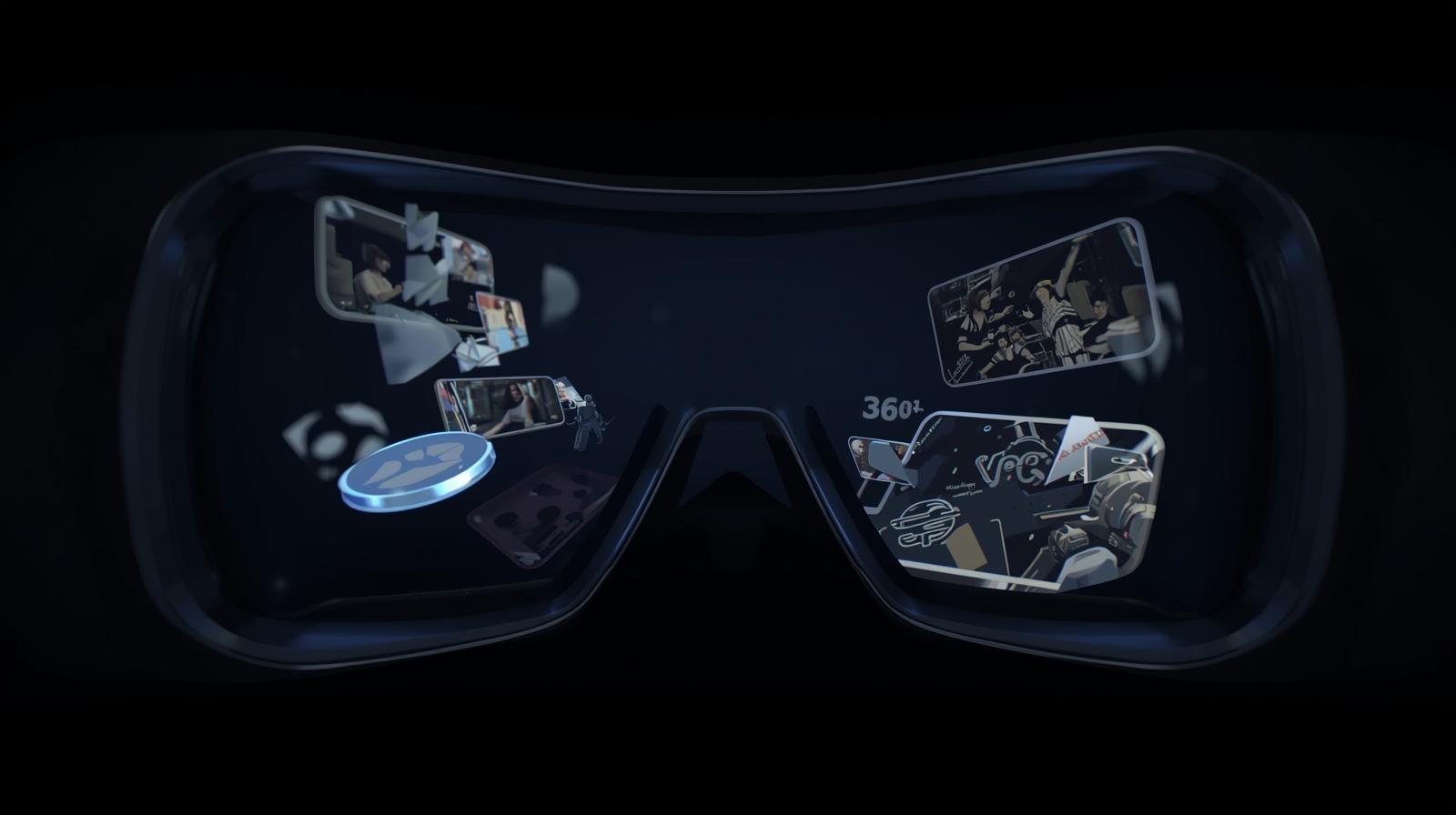
The Meta Quest 3 is one of the most powerful standalone VR headsets available today, making immersive VR video watching smoother, sharper, and more realistic than ever. If you’re new to VR or just upgraded to Quest 3, this guide will walk you through exactly how to watch VR and 360° videos easily.
Whether it’s travel, cinematic storytelling, or virtual experiences — let’s get you watching in minutes.
👉 Start watching VR videos now:
https://buildvr.gretxp.com/watch-vr-videos
✨ Explore more immersive content:
https://buildvr.gretxp.com/home

🎥 What Types of VR Videos Can You Watch on Meta Quest 3?
On Meta Quest 3, you can enjoy:
- 360° VR videos (look around freely)
- 180° immersive videos
- Cinematic VR experiences
- Travel & nature VR videos
- Educational & documentary VR content
These videos place you inside the scene, not just in front of a screen.
✅ Method 1: Watch VR Videos Using the Built-in Browser (Easiest Way)
This is the quickest and simplest way — no apps needed.
Steps:
- Put on your Meta Quest 3 headset
- Open the Meta Quest Browser
- Go to 👉 https://buildvr.gretxp.com/watch-vr-videos
- Choose a VR or 360° video
- Click Play and enjoy immersive viewing
✔️ Works instantly
✔️ No downloads required
✔️ Perfect for beginners
📲 Method 2: Watch VR Videos Using a Dedicated VR App
Some VR apps allow you to stream or access VR video libraries directly.
General Steps:
- Open the Meta Quest Store
- Install a VR video player or streaming app
- Launch the app
- Browse or stream VR content
- Wear headphones for better spatial audio
💡 Tip: For curated and smooth VR video playback, using a trusted platform like BuildVR ensures high-quality immersive content.
🖥️ Method 3: Watch VR Videos via PC or Mobile Streaming
You can also stream VR videos from your phone or PC to your Quest 3.
How it works:
- Open VR content on your PC or mobile
- Use browser casting or supported VR streaming features
- Watch content inside your headset
This method is useful if you already have VR videos stored locally.
🎧 Tips for the Best VR Viewing Experience on Quest 3
✨ Adjust headset fit for comfort
✨ Use headphones for immersive sound
✨ Choose high-resolution VR videos
✨ Sit or stand in a clear space
✨ Take short breaks to avoid eye fatigue
For the best results, always choose VR-optimized platforms built specifically for immersive viewing.
🌐 Where to Watch the Best VR Videos
If you’re looking for ready-to-watch, curated VR videos, BuildVR makes it easy.
🎥 Watch immersive VR & 360° videos:
👉 https://buildvr.gretxp.com/watch-vr-videos
🌍 Explore more VR experiences and features:
👉 https://buildvr.gretxp.com/home
No complicated setup. Just pure immersion.
🏁 Final Thoughts
Watching VR videos on Meta Quest 3 is simple, fast, and incredibly immersive. Whether you’re exploring distant places, enjoying cinematic stories, or learning through VR, the experience feels real and personal.
All you need is your headset — and the right content.
🚀 Ready to dive in? Start watching now on BuildVR.
By: Ryan